Introduction
Most WebScrapeKit users discover the tool because they need to extract a list of products or gather some contact information. They install the extension, run their first extraction, and immediately see the value.
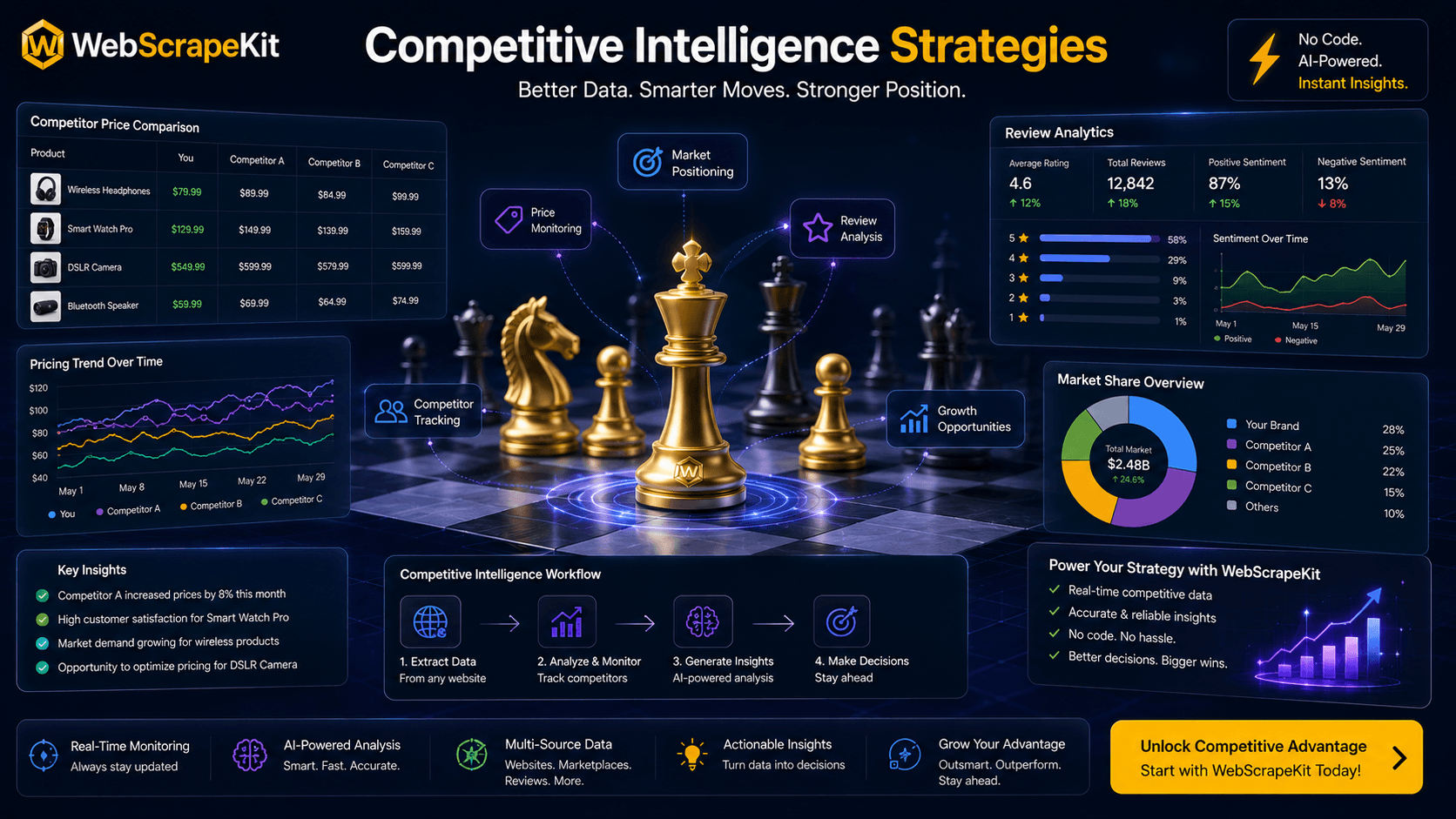
But WebScrapeKit's capabilities extend significantly beyond that initial use case. For users willing to combine the tool's extraction features with smart research strategy, WebScrapeKit becomes a comprehensive competitive intelligence platform.
Strategy 1: Multi-Layer Competitor Profiling
Build a complete competitor profile by combining multiple extraction types across multiple pages.
Layer 1 - Product Intelligence: Extract product names, prices, and ratings from category pages.
Layer 2 - Content Intelligence: Use Page Details to extract all headings and meta descriptions from key competitor pages.
Layer 3 - Team Intelligence: Extract team member names and roles from their About page.
Layer 4 - Contact Intelligence: Extract email formats and contact information from their Contact page.
Layer 5 - Social Proof Intelligence: Scrape testimonials, case study titles, and client logos from their marketing pages.
Strategy 2: Trend Detection Through Time-Series Extraction
Extract the same data weekly or monthly to build time-series datasets that reveal trends.
Set a recurring calendar reminder to run WebScrapeKit extractions on key competitor pages.
Maintain a master spreadsheet where each week's CSV is added as a new tab.
Track changes in: new product launches, price adjustments, content updates, team growth.
Over 3 to 6 months, these time-series datasets reveal strategic patterns that a single snapshot would never show.
Strategy 3: Review Mining for Customer Insight
Extract full review text from competitor product pages on marketplaces like Amazon or review platforms like Trustpilot, G2, or Capterra.
Export to CSV and open in any text analysis tool or paste into a language model for theme extraction.
Identify the top recurring pain points customers mention about competitor products - these are your positioning opportunities.
Identify the top recurring praise points - these are the baseline expectations you must meet.
Strategy 4: SERP and Content Gap Analysis
Search for your target keyword and extract the page titles and meta descriptions of the top 10 results using Page Details extraction on each URL.
Export to CSV and compare the angle, length, and structure of competing titles.
Identify topics and angles that appear frequently (you must cover these) and gaps where you can differentiate.
Use the exact language patterns in extracted headings to inform your own content's H1s and H2s.
Conclusion
WebScrapeKit's power scales with the sophistication of your strategy. The tool handles the extraction - what you do with the data depends on how creatively and systematically you approach competitive intelligence.
These advanced strategies transform WebScrapeKit from a data collection tool into a continuous competitive intelligence operation - all free, all in-browser.
Start building your competitive intelligence at WebScrapeKit.com