Introduction
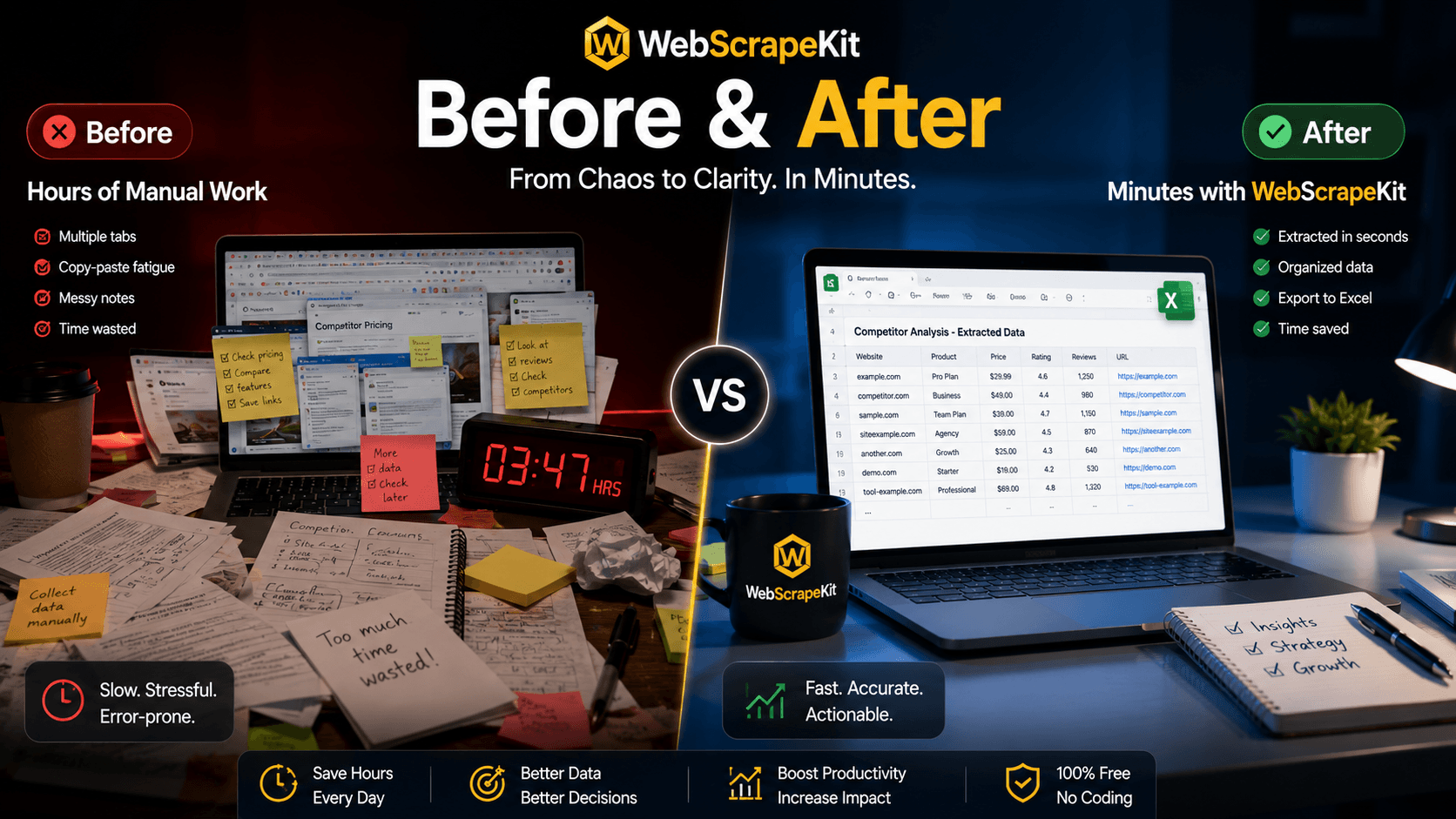
Data collection without the right tools looks chaotic. Browser bookmarks scattered across three different profiles. Copy-pasted text in a Notes app. Screenshots of websites you'll need to re-type later. Spreadsheets that don't quite match. Inconsistent formatting that takes an hour to clean up before you can even start analyzing.
WebScrapeKit transforms this chaos into clarity. One tool, one extension, one click - and your data goes from messy web pages to a clean, organized Excel spreadsheet ready for analysis.
The 'Before': What Unstructured Data Collection Looks Like
Multiple browser tabs open, each with a different source you're trying to capture.
Sticky notes and text files: Important data points scattered across different documents with inconsistent formatting.
Manual spreadsheet entry: Typing or pasting data row by row, with inevitable errors.
Multiple reformatting rounds: Fixing inconsistent capitalization, removing extra spaces, standardizing date formats.
Missing data: You copied 95 percent of what you needed and now can't remember which website had the rest.
The 'After': What WebScrapeKit Delivers
Navigate to each source website. Open WebScrapeKit and select your extraction type. Preview the extracted data in the extension panel. Export to Excel - one click, immediate download. Open the Excel file - clean columns, consistent formatting, no manual cleaning required.
The result: organized, structured data ready for analysis, with zero reformatting work.
The Productivity Impact
The difference between 'before' and 'after' isn't just about time saved on a single task. It's about the cumulative productivity gain across every data-gathering task you do.
If you currently spend 5 hours per week on manual data collection and WebScrapeKit reduces that to 30 minutes, you recover 4.5 hours per week - over 200 hours per year - for higher-value work.
That's the equivalent of an extra month of productive work time, every year, from one free browser extension.
Conclusion
Before: Stacks of notes, wasted hours, frustrated analysis.
After: Organized data, recovered time, productive research.
Make the switch at WebScrapeKit.com