Introduction
Developers understand web scraping better than anyone. They know how to write a Scrapy spider, configure a Puppeteer script, or set up a BeautifulSoup parser. The technical barrier isn't the issue.
The time barrier is the issue.
Writing and debugging a custom scraper for a new data source takes hours - time that could be spent building the actual product. For rapid prototyping, MVPs, and early-stage data validation, that's a painful tradeoff.
This is why developers - even technically proficient ones - are choosing WebScrapeKit.
Five Developer Use Cases Where WebScrapeKit Wins
- 1Seeding development databases: Extract 200 to 500 real records from a relevant website and import directly into your local dev database.
- 2Building training datasets: Collect labeled examples for classification, sentiment analysis, or NLP models from public websites without writing custom data collection scripts.
- 3API mock data: Extract real-world data that matches the structure your API is expected to handle. Test your parsing logic against data that actually looks like production inputs.
- 4Competitive feature research: Extract feature lists and pricing tiers from competitor SaaS tools to inform your product roadmap decisions.
- 5Content pipeline testing: Collect sample content from various source websites to test content ingestion, parsing, and processing pipelines.
The JSON Export Advantage for Developers
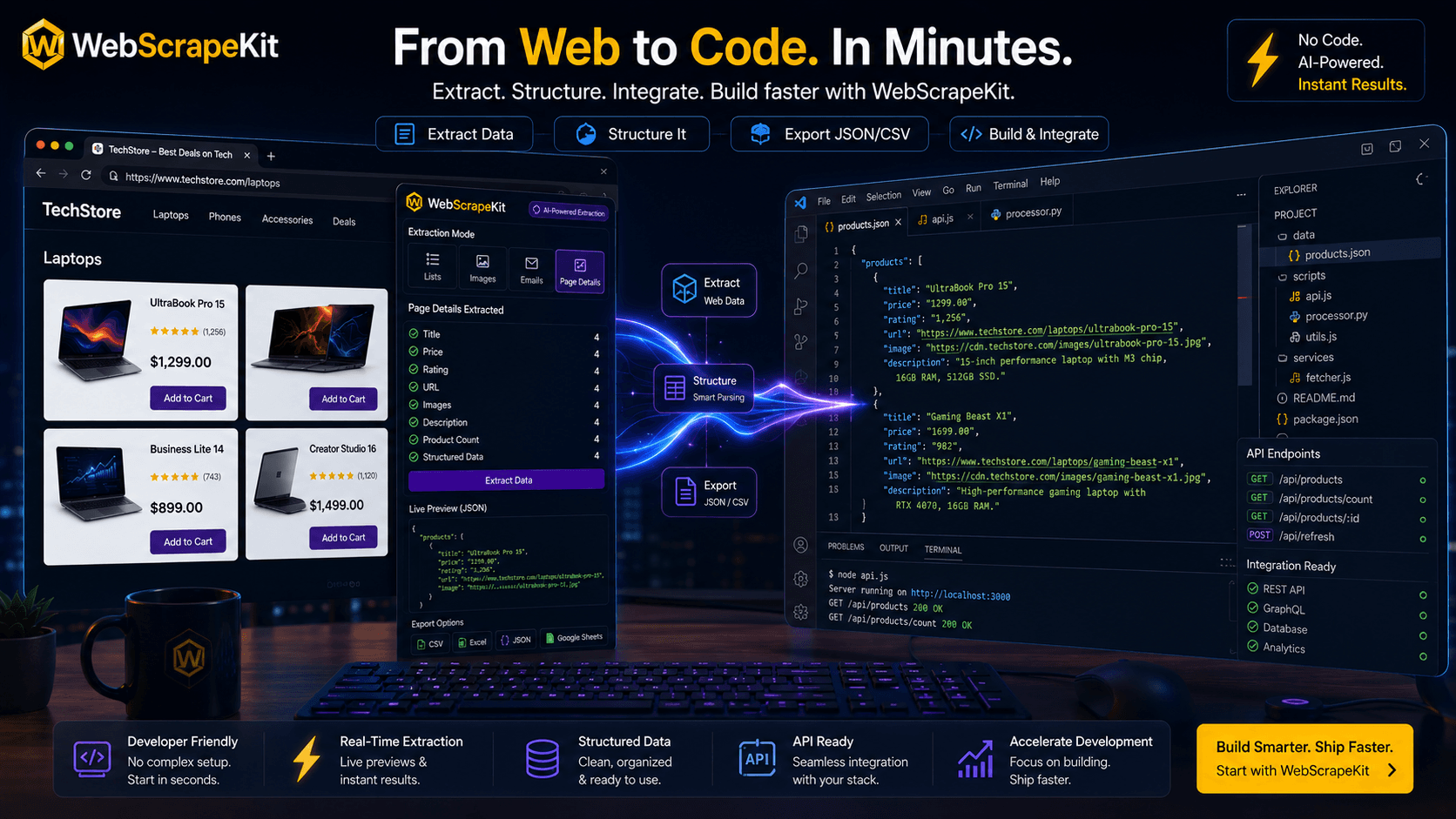
While CSV and Excel exports serve marketers and analysts, WebScrapeKit's JSON export is what makes it particularly developer-friendly.
Clean JSON output drops directly into Node.js, Python, or any server-side language without transformation. You can import it with one line of code and immediately have structured data to work with in your application.
When WebScrapeKit Fits vs. When to Write a Custom Scraper
WebScrapeKit is the right choice when you need data fast for early-stage work, when the dataset is small to medium (under a few thousand rows), and when multiple team members need to collect data without technical training.
A custom scraper makes more sense when you need continuous automated data collection (real-time monitoring, scheduled batch jobs) or when you need data at extreme scale (hundreds of thousands of rows or more).
In practice, many developers use WebScrapeKit for the prototyping phase and graduate to custom infrastructure only once the product is validated and scaling.
Conclusion
The best tool is the one that lets you focus on what matters most. For early-stage data collection, WebScrapeKit lets developers focus on building products rather than building scrapers.
It's not a compromise - it's a pragmatic choice that experienced developers are making every day.
Add WebScrapeKit to your dev workflow at WebScrapeKit.com