Introduction
Research - whether academic, market, or journalistic - has always required gathering large amounts of information from diverse sources. Before tools like WebScrapeKit, that meant either learning to code, paying for expensive data providers, or spending endless hours in manual collection.
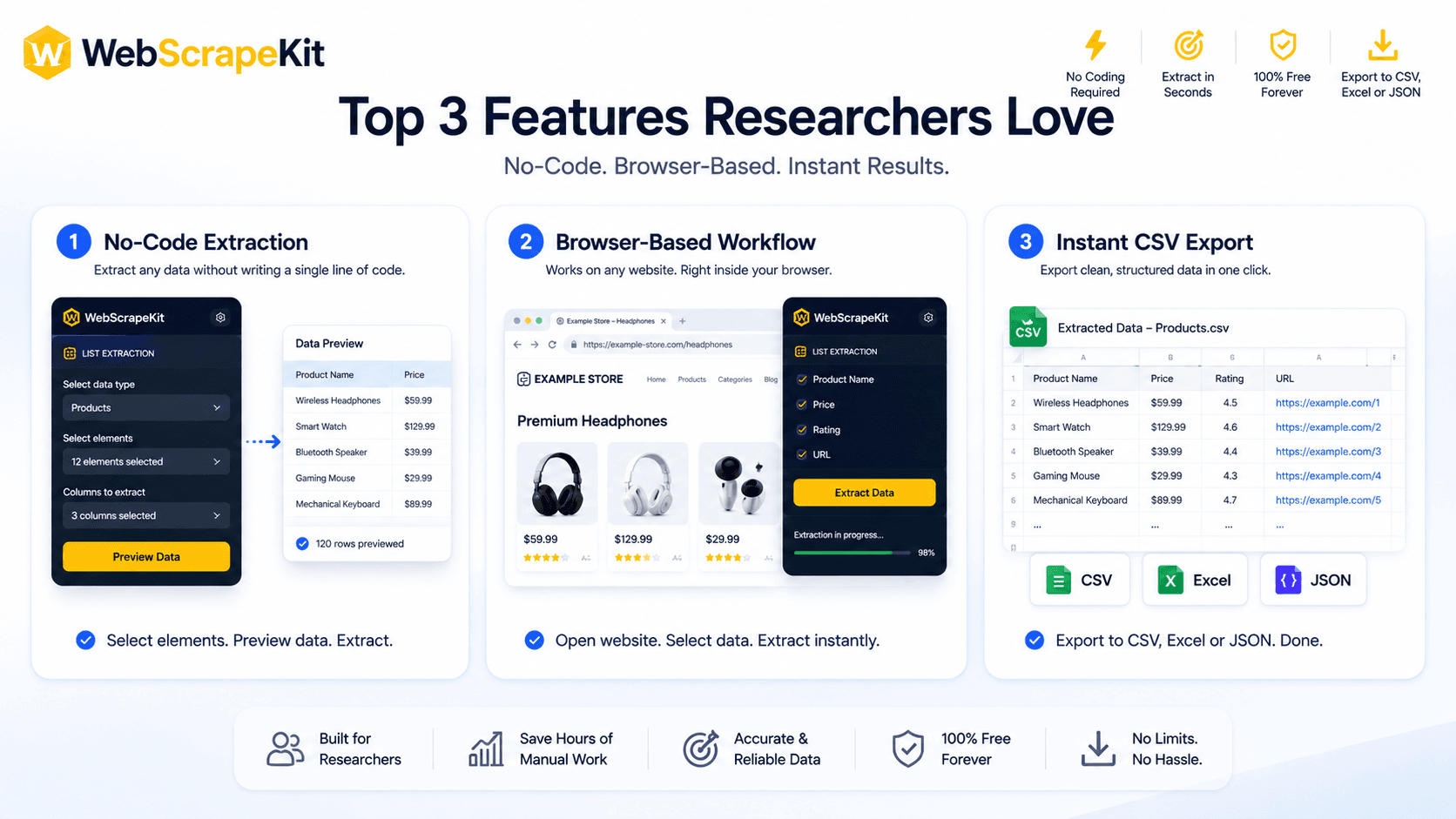
WebScrapeKit has become a favorite among researchers of all types for three specific reasons. Here's what they love most.
Feature 1: No-Code Interface
Researchers are domain experts - not necessarily software engineers. The traditional web scraping stack is a significant learning curve that pulls researchers away from actual research.
WebScrapeKit's point-and-click interface requires zero coding knowledge. You hover over data on a page, click to select it, and the extension intelligently detects the pattern and extracts all matching data automatically.
A social scientist can collect survey data from a public forum. A market researcher can gather pricing data from industry websites. An academic can compile literature references - all without writing a single line of code.
Feature 2: In-Browser Extraction
WebScrapeKit runs entirely inside your browser as a Chrome extension. This means no external servers - your data never leaves your machine. No waiting - extraction happens in real-time as you browse. No configuration - the extension reads the page you're already viewing.
For researchers working with sensitive data sources, the in-browser architecture is also a privacy advantage: extracted data stays on your local machine.
Feature 3: Instant CSV Export
CSV is the lingua franca of research data. It opens in Excel, Google Sheets, R, Python pandas, SPSS, and virtually every analysis tool researchers use.
WebScrapeKit exports to CSV instantly - one click, immediate download, properly structured columns and rows. No reformatting, no cleaning, no intermediate steps.
Researchers consistently cite this as the feature that saves them the most time. The gap between 'I found the data I need online' and 'I have a clean dataset ready for analysis' collapses from hours to seconds.
Conclusion
The three features researchers love most about WebScrapeKit share a common thread: they remove friction between the researcher and their data.
Research is hard enough. Data collection doesn't have to be.
Discover WebScrapeKit free at WebScrapeKit.com