Introduction
Every developer has been in this situation: you're building a new project and you need real data to work with - product listings for a comparison engine, business names for a directory app, prices for a market analysis tool.
The options are usually: find a public API (often doesn't exist), write a custom scraper (time-consuming), buy a dataset (expensive), or use fake placeholder data (not useful for real testing).
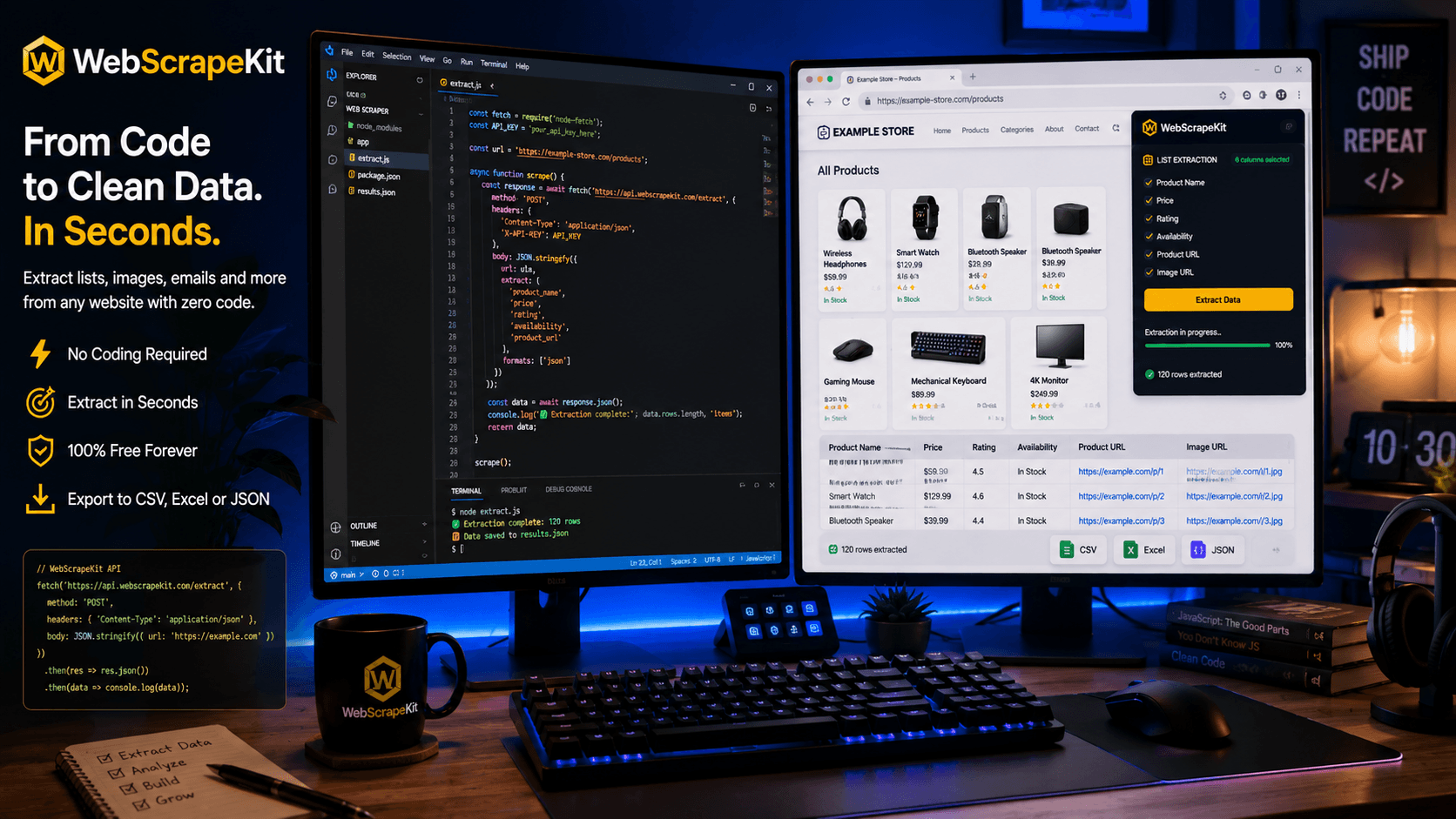
WebScrapeKit introduces a fifth option: extract real data from any website in minutes using a browser extension, with zero code required.
How Developers Use WebScrapeKit
Seeding a database: Extract 200 product records from an e-commerce site. Export to JSON. Import directly into a local database for development.
Training data for ML models: Collect labeled text data from websites that categorize content. Export to CSV and use as a training dataset.
Testing API integrations: Scrape real-world data that matches the format your API is expected to process.
Competitive feature mapping: Extract feature lists and pricing from competitor SaaS tools to inform your own product roadmap.
Populating a demo environment: Fill a client-facing demo with real public data so it looks credible during sales calls.
WebScrapeKit in the Dev Workflow
The beauty of WebScrapeKit for developers is how naturally it integrates into existing workflows. You're already in the browser. You're already on the website you need data from. Opening the extension adds one step between browsing and having clean, structured data.
Exported JSON drops directly into a Node.js or Python project. Exported CSV imports into pandas or Excel with one line. No reformatting, no parsing issues, no data cleaning required.
It's the 20 percent effort that eliminates 80 percent of the early-stage data problem.
Conclusion
WebScrapeKit isn't trying to replace your production scraping infrastructure. It's the tool you reach for when you need real data fast - during prototyping, testing, and early validation.
Install it once, and you'll find yourself reaching for it on every new project.
Add WebScrapeKit to your dev toolkit at WebScrapeKit.com