Introduction
The digital nomad lifestyle sounds idyllic: work from anywhere, set your own hours, explore the world while maintaining a productive career. But the reality involves constant context-switching, unreliable infrastructure, and the need to do more with less.
For digital nomads who rely on data research - freelance marketers, independent consultants, remote analysts - the traditional scraping toolkit simply doesn't work. Cloud-based scrapers require stable internet. Desktop software needs a reliable machine. Hiring developers isn't in the nomad budget.
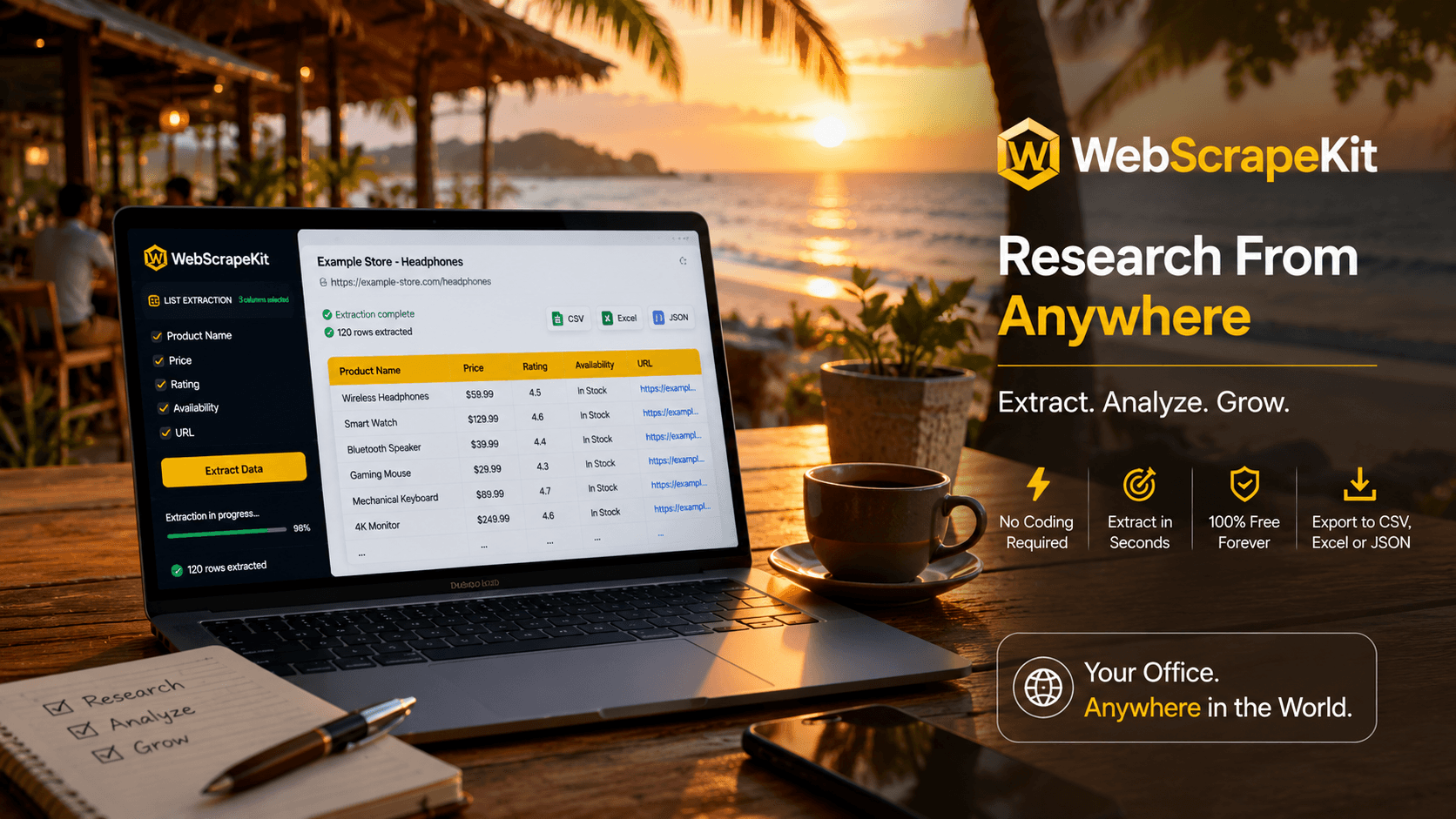
WebScrapeKit was made for exactly this scenario: lightweight, browser-based, free, and powerful enough to handle professional research from anywhere in the world.
Why WebScrapeKit Is Perfect for Remote Work
No server dependency - WebScrapeKit runs entirely in your browser. If you can load a webpage, you can scrape it.
Works on any machine - Whether you're on a MacBook Air, a Chromebook, or a budget Windows laptop, WebScrapeKit works the same way.
No subscription cost - The core features are completely free. One less tool eating into your variable income.
Fast setup - You're up and running in under 30 seconds. No configuration, no onboarding. Perfect for nomads who move fast.
Lightweight - The extension doesn't slow down your browser or drain your battery.
Real Nomad Research Workflows
Freelance market researcher in Bali: Uses WebScrapeKit to extract business listings from local directories for a client report. Exports to Excel. Sends the report before her surf session.
Independent consultant in Lisbon: Scrapes competitor pricing data from three SaaS websites to help a startup client benchmark their pricing strategy. Done in 20 minutes.
Remote content marketer in Mexico: Extracts top-ranking articles' titles and meta descriptions. Uses the data to outline a content strategy. Exports to CSV, opens in Google Sheets.
Conclusion
WebScrapeKit is more than a browser extension. For digital nomads, it's infrastructure for a mobile-first research workflow that doesn't compromise on capability.
Whether you're at a beachfront cafe in Thailand, a mountain co-working space in Colombia, or a city hostel in Eastern Europe, WebScrapeKit gives you professional data extraction capability without the professional price tag.
Add WebScrapeKit to your nomad toolkit at WebScrapeKit.com