Introduction
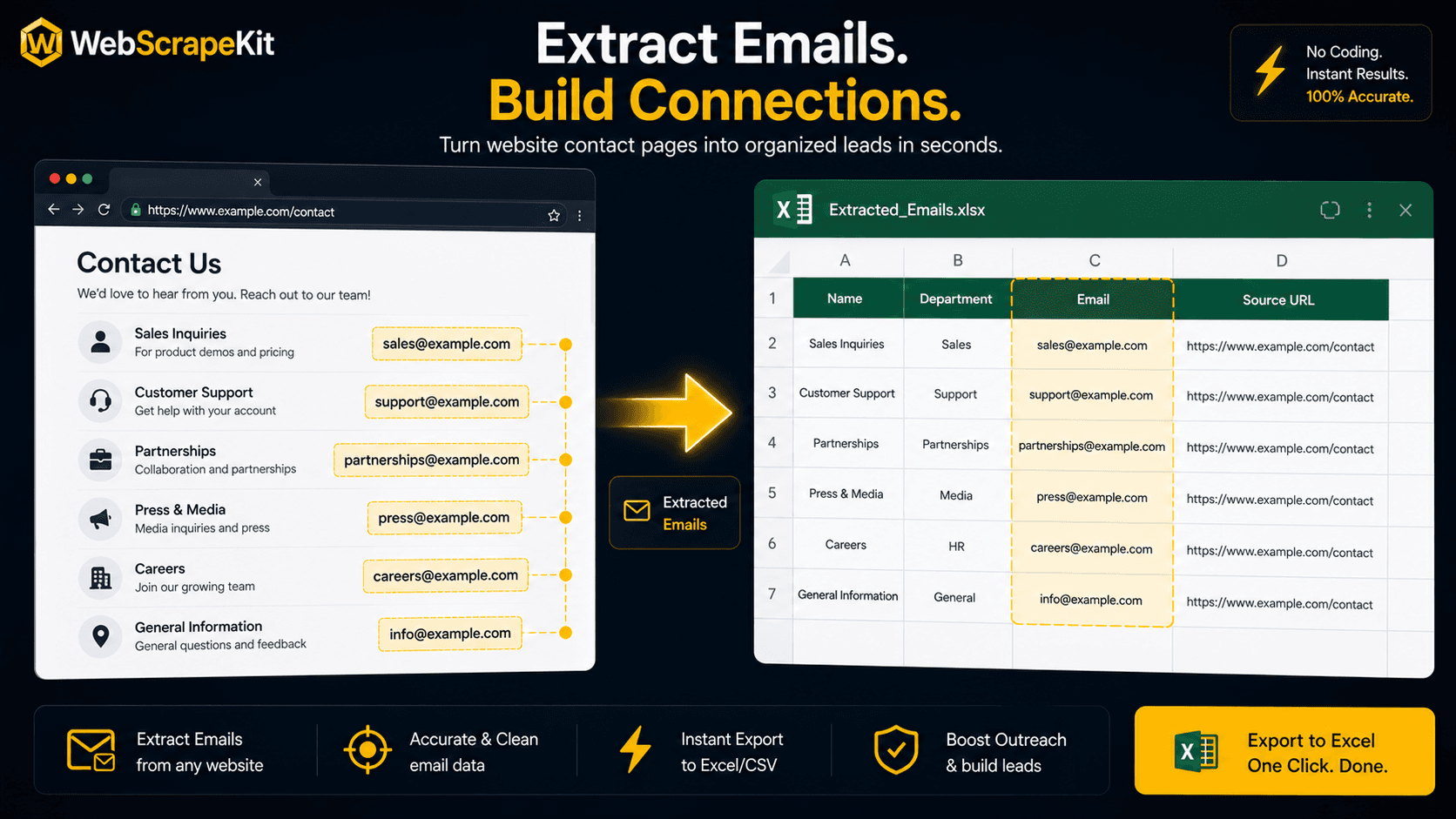
Email addresses are among the most valuable data points for outreach, lead generation, and communication. Whether you're a sales professional building a prospecting list, a marketer gathering event speaker contacts, or a researcher compiling expert information, manually collecting emails from websites is painfully slow.
WebScrapeKit's email extraction feature changes this entirely.
How Email Extraction Works in WebScrapeKit
Step 1
Navigate to any page containing visible email addresses.
Step 2
Open WebScrapeKit from your Chrome toolbar.
Step 3
Select 'Extract Emails' from the extraction mode panel.
Step 4
WebScrapeKit automatically scans the entire page for email addresses and presents them in a preview list.
Step 5
Review the list to confirm accuracy.
Step 6
Click 'Export as Excel'. Download is instant.
Step 7
Open the Excel file. Emails appear in a clean, single column, ready for copy-paste into your CRM, email platform, or ad targeting tool.
Where to Find Email-Rich Pages
Company websites: Most businesses have a Contact or About page with team emails.
Industry directories: Professional associations and trade groups list member contact information.
Event websites: Conference speaker lists and exhibitor directories often include contact emails.
Chamber of commerce websites: Local business directories with contact information.
University websites: Faculty directories with academic email addresses.
Responsible Email Collection
WebScrapeKit is designed for extracting publicly available information. Collecting emails from public websites is generally legal, but you should always comply with applicable laws such as CAN-SPAM or GDPR when using collected email addresses for outreach.
Only contact people who have a legitimate interest in hearing from you, and always provide clear opt-out options in all communications.
Conclusion
Email extraction is one of WebScrapeKit's most practically valuable features for sales and marketing professionals. What used to require manual copying or expensive data providers now takes under a minute and costs nothing.
Install free at WebScrapeKit.com