Introduction
In competitive digital marketing, the difference between a winning campaign and a losing one often comes down to data. Who are your competitors targeting? What are they saying? How are they pricing?
Gathering this intelligence used to require either expensive competitive intelligence tools, a relationship with a data provider, or a developer on the team who could build custom scrapers.
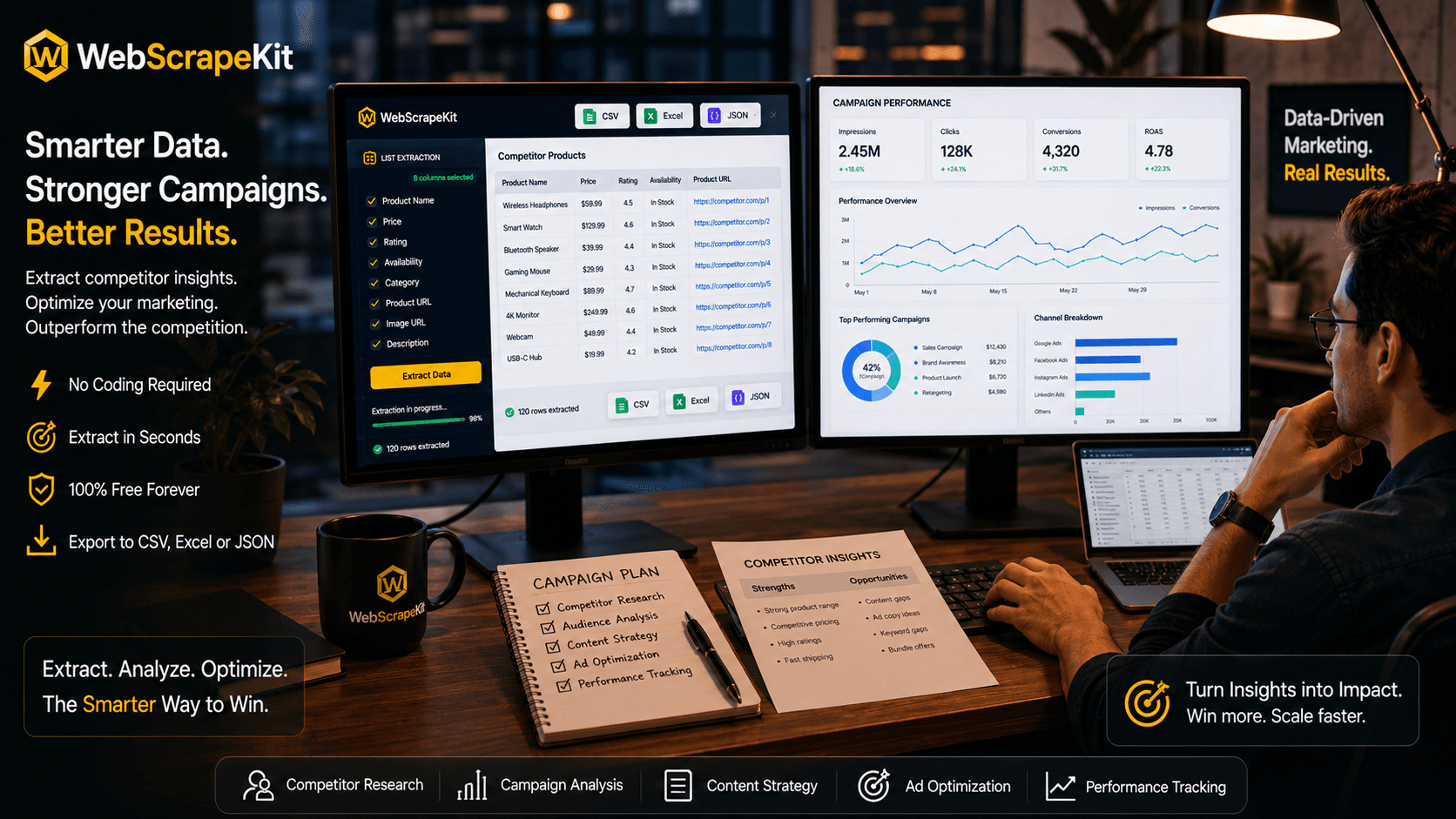
WebScrapeKit democratizes competitive intelligence for marketers. With a free Chrome extension and zero technical knowledge required, you can gather the data you need to make smarter campaign decisions in minutes.
What Marketers Extract with WebScrapeKit
Competitor product listings: Extract product names, descriptions, and prices to identify positioning gaps and pricing opportunities.
Ad copy and landing page content: Analyze competitor landing page headlines, CTAs, and value propositions to benchmark your own messaging.
Review data: Scrape customer reviews from competitor product pages to understand what customers love or hate about competing products.
Email addresses: Gather contact information from industry directories or event websites to build targeted outreach lists.
Keyword-rich titles: Extract page titles and meta descriptions from top-ranking competitor pages to inform your SEO and content strategy.
A Real Marketing Workflow
10:00 AM: Extract competitor pricing data from 5 competitors. Export to Excel. Build a pricing comparison table.
10:30 AM: Scrape top-performing blog post titles from 3 competitors. Identify content themes and keyword patterns.
11:00 AM: Extract customer reviews from competitors' Amazon listings. Identify the top 5 pain points customers mention. Use these exact pain points in ad copy.
11:30 AM: Pull email addresses from an industry directory. Upload to ad targeting platform as a custom audience.
12:00 PM: Present competitor analysis to the team, backed by real data collected that morning.
Total time: 2 hours. With manual methods: 2 days.
Conclusion
Data-driven marketing starts with data collection. WebScrapeKit gives every marketer - regardless of technical background - the ability to gather competitive intelligence, build targeted lists, and extract strategic insights directly from the web.
Stop guessing. Start extracting.
Try WebScrapeKit free at WebScrapeKit.com