Introduction
The best tools feel effortless. Not because they do nothing, but because they handle complexity so gracefully that you barely notice it happening.
WebScrapeKit is designed around this principle. The data collection workflow - from opening the extension to holding a clean exported file - is so smooth that it starts to feel automatic after your first few uses.
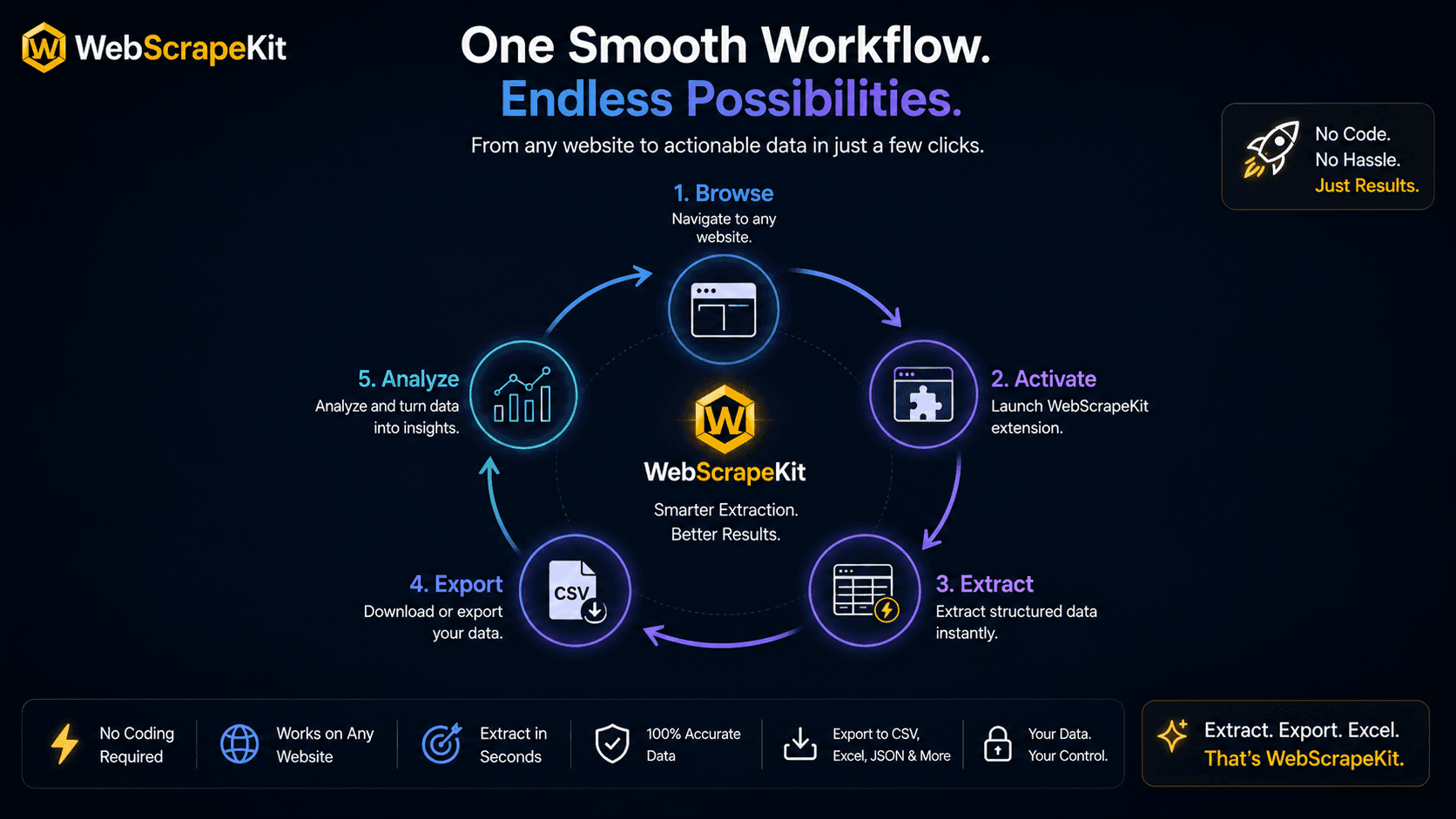
The WebScrapeKit Data Collection Loop
Stage 1: Navigate - Open Chrome and navigate to any public website containing the data you need.
Stage 2: Activate - Click the WebScrapeKit icon in your Chrome toolbar. Choose your extraction mode: List, Images, Emails, or Page Details.
Stage 3: Select - Click on the data element you want to extract. WebScrapeKit's pattern detection immediately identifies all matching elements across the page.
Stage 4: Preview - Review the extracted data in the WebScrapeKit panel. Confirm the data looks correct before exporting.
Stage 5: Export - Choose your format (CSV, JSON, or Excel) and click export. The file downloads instantly.
Stage 6: Use - Open the file in your preferred tool. The data is clean, structured, and immediately ready for analysis.
Total time for a typical extraction: 60 to 120 seconds.
Why the Loop Matters
The word 'loop' is intentional. Data collection is rarely a one-time task. You need fresh competitor prices this week, and again next month. You need updated lead data quarterly.
Because WebScrapeKit's workflow is so fast and frictionless, it supports repeated data collection cycles without the overhead that makes traditional scraping a chore.
The loop is smooth. The loop is fast. The loop is free.
Conclusion
Data collection should feel like a natural part of your workflow, not an obstacle to it. WebScrapeKit's end-to-end process is designed to be as smooth and fast as possible - click to export in under two minutes, every time.
Visit WebScrapeKit.com